Popup vs embedded chatbots: choosing the right layout for your website
This blog post looks at the differences between the usual popup chatbots and an embedded version. It's all about what you need your chatbot to do and how it's best done in your required context. This post will help you choose confidently ... Popup vs embedded chatbot, Quick fix or seamless flow, Both serve their purpose Every good website deserves a chat assistant that feels helpful, not intrusive. And one of the first decisions that shapes that experience is whether your chatbot appears as a popup or lives embedded within the page. That choice sets the tone from the very first click!A popup chatbot sits quietly in the corner as a floating launcher. It's always there, never in the way, and springs into action only when a visitor wants it. This makes it ideal for always-on support, general Q&A, and casual browsing where questions can pop up at any moment. It works particularly well on long pages, blogs, and product catalogues because it doesn't interrupt reading or break layout flow. Visitors can ask a question, get an answer, and carry on exactly where they left off. For returning users, this feels familiar and efficient - a quick shortcut to answers without losing context. It's also perfect for teams who want a single, centralised knowledge base that follows users seamlessly across the site. An embedded chatbot, on the other hand, lives directly inside a specific page. Instead of floating above the experience, it becomes part of it!This approach works beautifully on Contact, Services, Pricing, or Help Centre pages, where the chat feels like a natural extension of the content. It encourages deeper, more focused conversations tied to the page's purpose - helping visitors choose a package, book a service, or work through a specific problem. Rather than feeling like a tool, it reads as a first-class content block, designed intentionally into the layout. Mobile behaviour matters too, and both approaches | ||||||||||||||||||||||||||||||||||||||||||||||||||||||||||||||||||||||||||||||||||||||


Would you like to know more? |
If anything I've written in this blog post resonates with you and you'd like to discover more about YourBOT, why not join us for free and create your first bot? Click. Chat. Connect. I know you're going to love it! |
Share the blog love ... | |||||||||||||||||||||||
#popupvsembeddedchatbot #YourBOT #WebDesignUK #SmallBusinessTools #AIChatbot #TechTips |


About Steffi Lewis ... | ||
|
More blog posts for you to enjoy ... | ||
 | Chatbots for web designers and marketing agencies If you run a web design studio or a marketing agency, you already know what your clients want. They don't care about tokens, APIs, or the number of layers in an AI model. They care about results ...... | |
 | How YourBOT's multi-source knowledge system works with your data YourBOT's brain isn't one big pot of mush where every scrap of text gets thrown in and hoped for the best. Instead, it uses a structured 'multi-source knowledge system' built around five distinct pillars: FAQs, URLs, RSS, Sit... | |
 | How the YourBOT Leadgen feature turns visitor chats into real leads Most chatbots are brilliant at answering questions ... and absolutely terrible at turning those conversations into real leads. YourBOT doesn't make that mistake. Its built-in LeadGen Engine sits quietly in the background, wat... | |
 | What is an AI chatbot and why does your business need one? If you've spent any time reading about modern websites or online marketing recently, you've probably come across the term AI chatbot. But what exactly does it mean, and why are so many future-looking businesses starting to ad... | |
 | Why 24-hour lead capture matters for small business growth Potential customers no longer browse websites only during office hours. Whether they're researching suppliers during a lunch break, comparing services after putting the children to bed, or seeking urgent help at the weekend, ... | |
 | Welcome to YourBOT: The AI chatbot built for UK small businesses Running a small business in the UK isn't easy. Between customers, paperwork, marketing, late-night admin, and the never-ending ''I'll just sort this quickly'' jobs, most small business owners simply don't have the time or the... | |
 | Why smart AI chatbots convert more website visitors Website visitors seek answers. The quicker and more naturally they get them, the more likely they are to stay engaged and convert. That's why smart AI chatbots are vital for businesses to turn visitors into inquiries and cust... | |
 | Why your website visitors leave before getting in touch Most business owners assume that when a visitor leaves their website, it is because the site did not look professional enough, the prices were too high, or the visitor was simply not interested. While those factors can someti... | |
Other bloggers you may like ... | ||
 | Peace of mind without constantly checking up on someone Posted by Steffi Lewis on https://www.yourping.uk Caring about someone often comes with a quiet background worry. Are they OK? Have they eaten? Did they get home safely? Are they having a good day? Wh ... | |
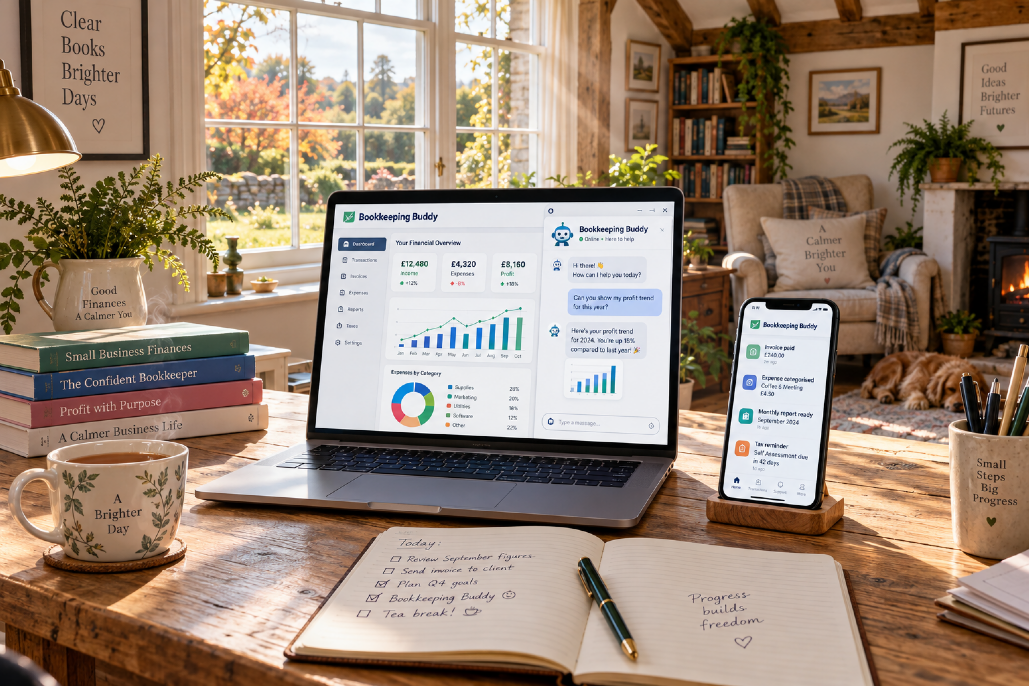 | Bookkeeping Buddy: Why DIY Bookkeeping Doesn't Mean Doing It Alone Posted by Alison Mead on https://blog.siliconbullet.com Many small business owners attempt DIY bookkeeping to save costs and maintain control. Yet, this path can be daunting. Learn how you can manage your f ... | |
 | Working lunch tax rules: When do sandwiches become a tax problem? Posted by Roger Eddowes on https://blog.essendonaccounts.co.uk There is something wonderfully British about gathering colleagues around a table, ordering a few sandwiches and calling it a productive meeting. After ... | |
 | Living independently without feeling alone: 10 simple ways to stay connected Posted by Steffi Lewis on https://www.yourping.uk Living independently can bring a wonderful sense of freedom. Having your own space, making your own decisions, and choosing how you spend your day are ... | |